
Product

Current product capabilities, described only within the implemented scope

QiuGe Helper is not trying to present itself as an all-purpose office platform. The current focus is to make workspace switching, collaboration, object management, file flow, and authorization boundaries sustainable for manufacturing teams.

Unified Workbench

Unified workspaces and server switching

One server entry maps to one workspace. Business pages, tools, and discovery switch inside the same desktop shell to minimize restarts, re-logins, and context loss.

  • Restore the last page and expanded navigation state
  • Fall back to the local workspace when a remote one is unreachable
  • Global modules such as Discovery and Tools stay available across server switches
Task Collaboration

Task collaboration and board flow

Regular and recurring tasks are licensed separately, while create, view, and edit all converge into a single work modal. The board, attachment preview, and task pool are designed for ongoing manufacturing execution.

  • Double-click opens a read-only detail state and switches to edit in place
  • Board columns and task pool state persist both locally and on the server
  • Preview attachments and summaries directly from task cards
Business Modules

Business modules for molds, projects, products, and customers

The current object-management surface already spans mold management, mold development, modification tracking, projects, products, customers, suppliers, and materials.

  • Unify read-only detail and edit mode instead of stacking drawers and popovers
  • Inspect related objects from the same work-modal flow
  • Version records and restore flow already exist for molds and products
File Workbench

A Windows-first file workbench

The tool workspace bundles File Assistant and LAN Assistant for local organization, site connection, remote browsing, transfer queues, and in-app preview or editing for common file types.

  • Open PDF, spreadsheets, Word, code, JSON, images, audio, and video inside the workbench
  • FTP / FTPS / SFTP transfer and synchronized browsing
  • Save remote files through a local working copy before write-back
Access Control

Offline licensing driven by invitation codes

Module availability comes from invitation-code tiers plus local activation records, which fits offline licensing, weak-network deployment, and module-based desktop product packaging.

  • Free, PLUS, and PRO can each toggle submodules with boolean switches
  • Admin users can refresh permissions in-session after switching invitation codes
  • Menus, routes, and APIs follow the same authorization boundary
Desktop Quality

Local-first behavior and desktop stability

The application ships with built-in data and service behavior, restores sessions and workspace state on startup, and keeps improving long-running desktop usage under weak-network conditions.

  • The welcome screen absorbs startup to reduce white flashes and hard transitions
  • Retry session recovery when the server is briefly unavailable
  • Large previews prefer cached files and main-process descriptors
Task + Object Flow

Tasks and business objects are two entry points into the same workflow

Regular tasks, recurring tasks, molds, projects, products, and customers all live inside the same desktop shell. Read-only detail and edit mode are intentionally consolidated into a unified work modal.

  • Double-click enters read-only detail; the top action switches to edit
  • Related molds and products can be inspected from the same modal flow
  • Module visibility, routes, and API access all follow backend authorization results
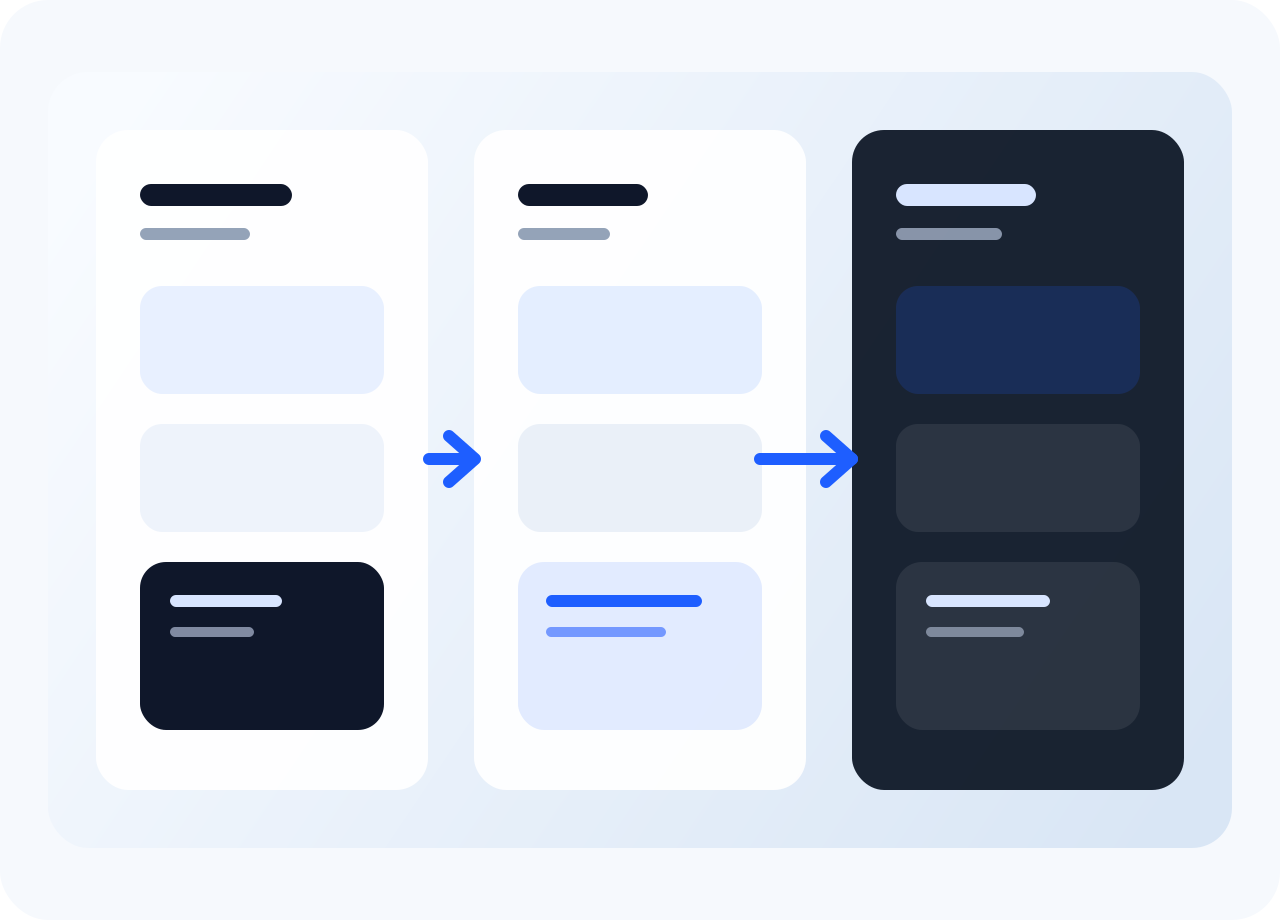
Task and module flow illustration
Tool Workspace

File Assistant and LAN Assistant are becoming a second operating surface on desktop

The tool workspace has moved beyond a preview entry and into a fuller file workbench where local files, favorites, remote directories, transfer queues, sync browsing, and in-app editing live together.

PreviewPDF / Excel / Word / JSON / Media
TransportFTP / FTPS / SFTP
Local-firstKeep a local working copy before remote write-back
File workbench illustration